Free
0 €forever
- Magic, Studio and intro builder
- 1080p export without watermark
- On-device auto captions
- Free music and sound effects
 CineClip
Video editor for iPhone & iPad
Pick your clips, tap a style – CineClip cuts your video to the beat of the music. And when you want more, a full timeline is waiting.
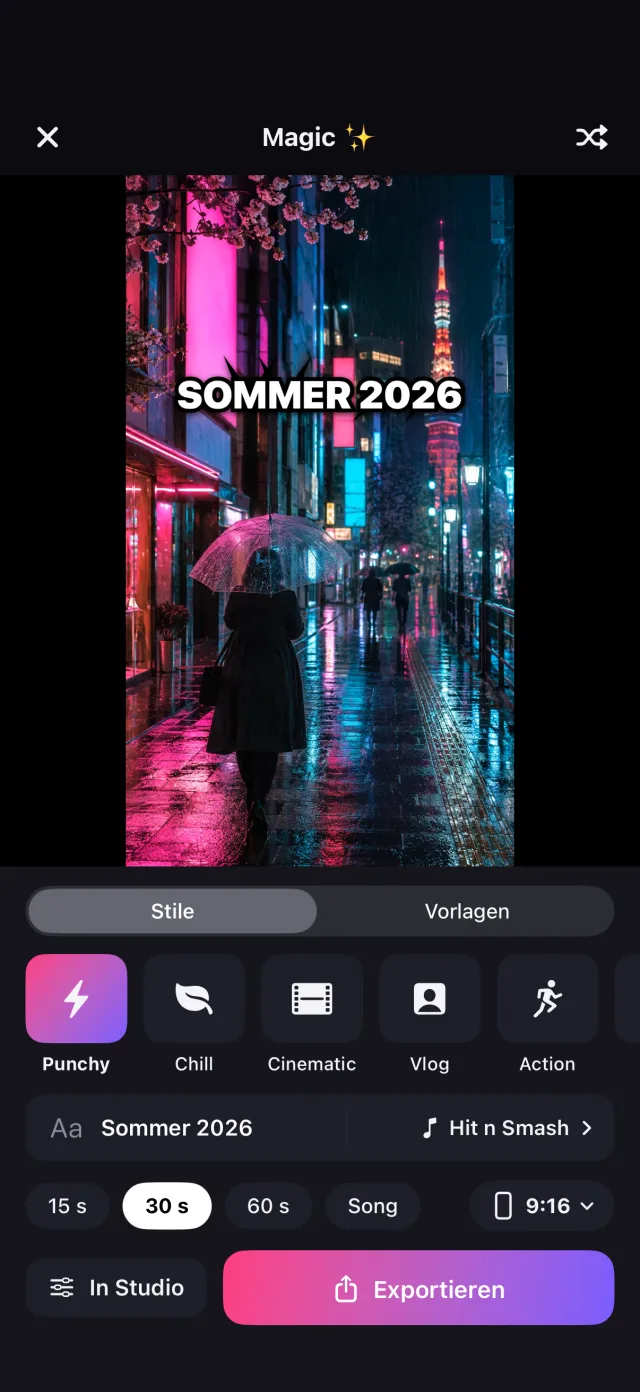







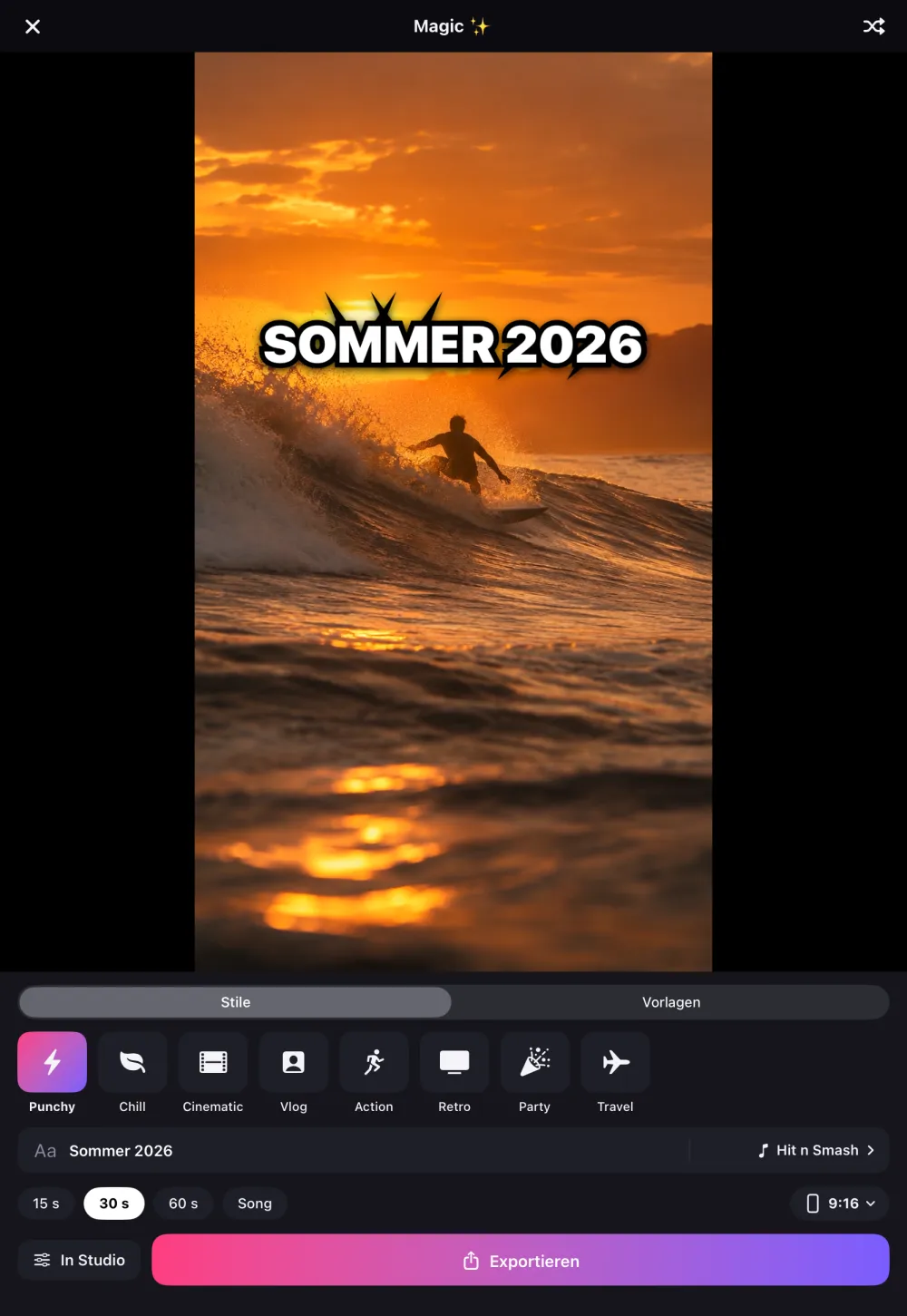
Magic
Magic does the part that usually takes an hour: it finds the beats in the song, places your clips on them and adds transitions, text and a color look that fit the style.
Photos and videos from your library, in the order you tap them.
Punchy, Chill, Cinematic, Vlog, Action, Retro, Party or Travel.
Every cut lands on the beat. Not happy? “Shuffle” builds a new version.
15, 30 or 60 seconds, or exactly as long as the song. And every Magic video can be fine-tuned frame by frame in the Studio.
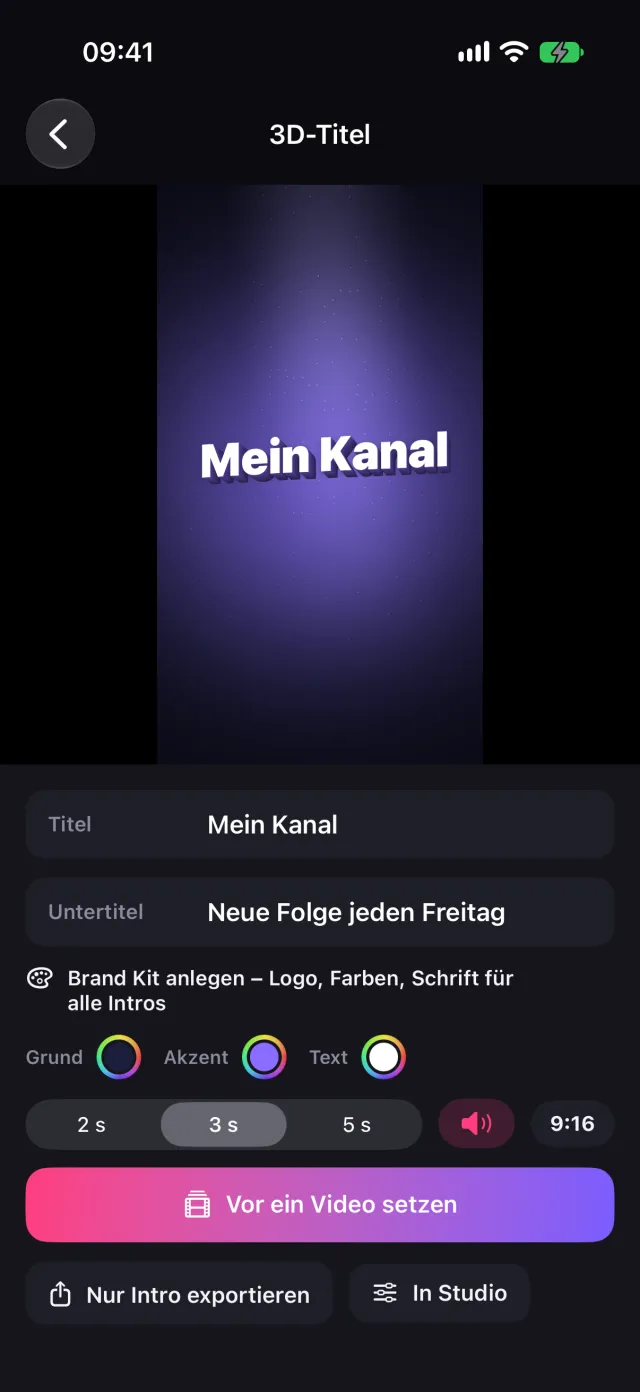
Intro builder
Pick a template, type your title, done. No keyframes, no timeline. 20 templates for YouTube, vlogs, gaming, business, travel, sports and weddings – with matching sound, in 3D too.
A film by you
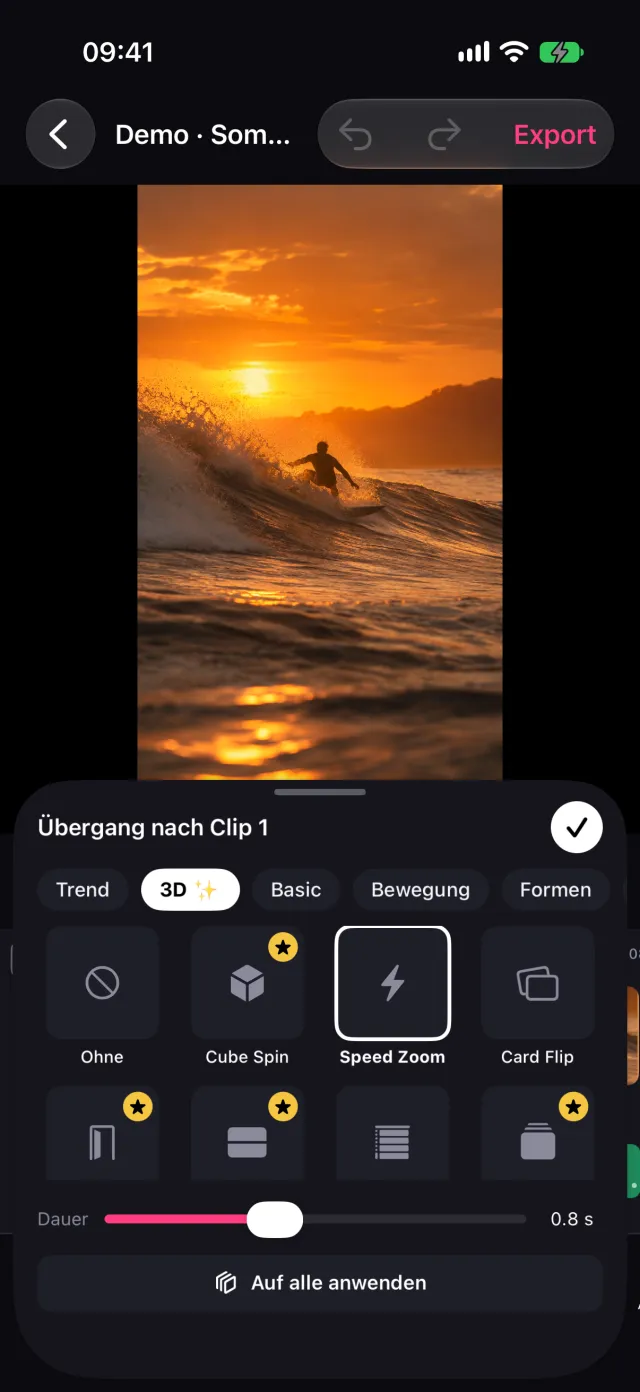
Transitions
Cube, card flip, door, speed zoom, origami and more – rendered on your iPhone’s GPU, smooth in preview and export.
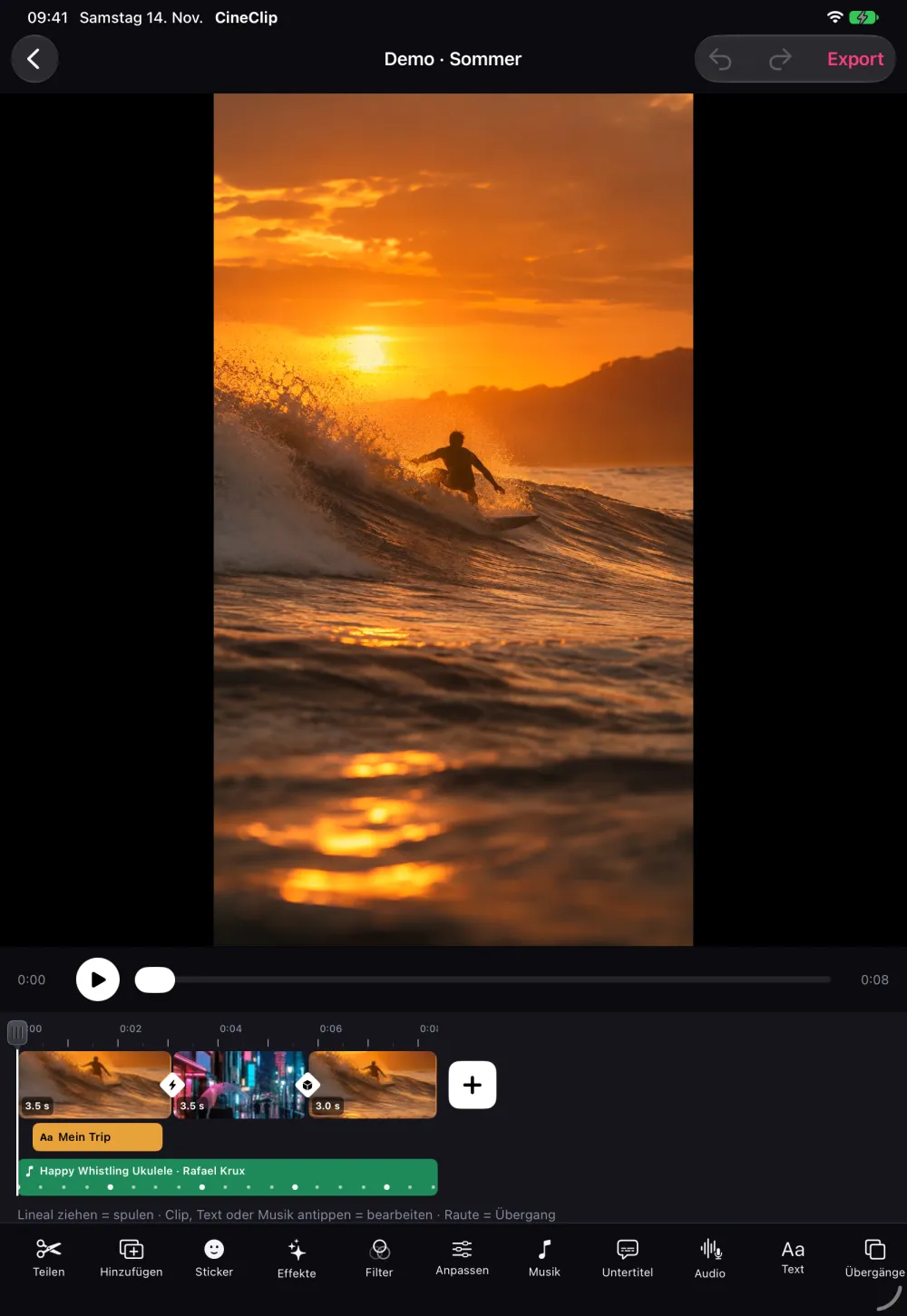
Studio
Multiple tracks for video, text, picture-in-picture and audio. Pinch zoom, snapping to beat markers, keyframes, speed curves. Everything a serious editor does – just tidier.
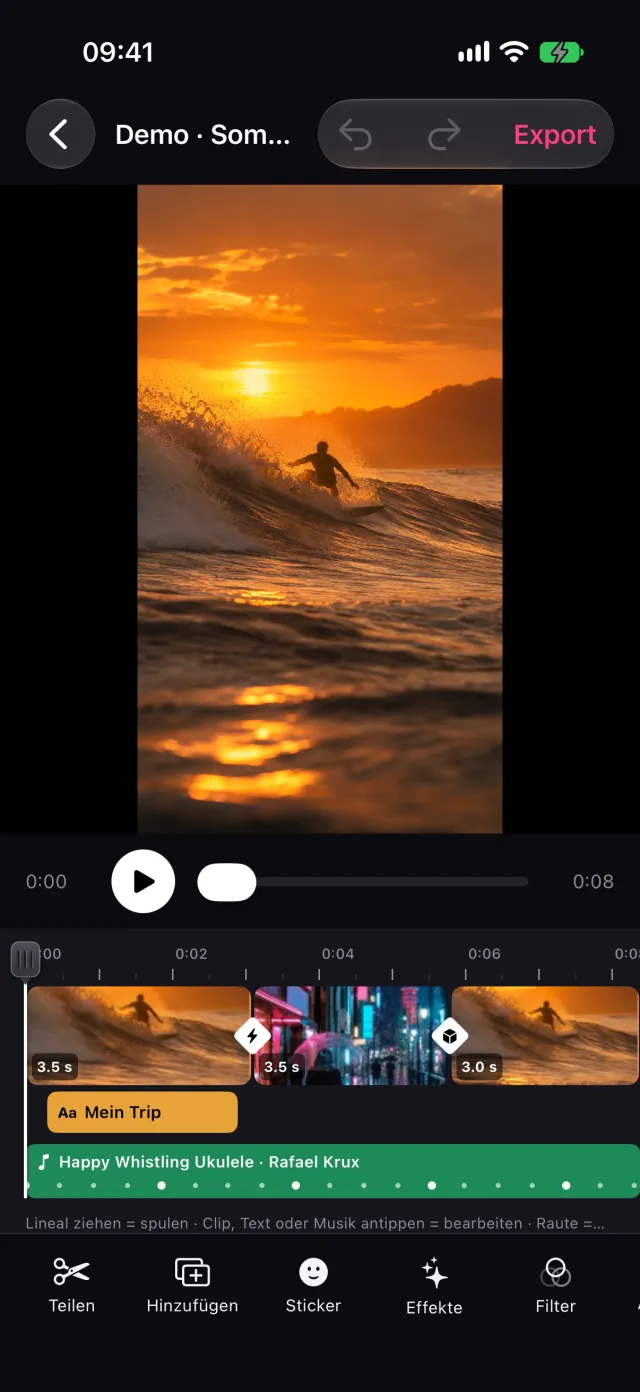
0.1× to 10×, plus curves like Montage, Bullet or Ramp-up.
Position, zoom and rotation with smooth easing.
Plus log profiles and your own .cube LUTs.
Glitch, VHS, light leak, zoom punch, shake, RGB split …
Circle, heart, star, linear – with blend modes.
Nothing hides under the buttons of TikTok, Reels or Shorts.
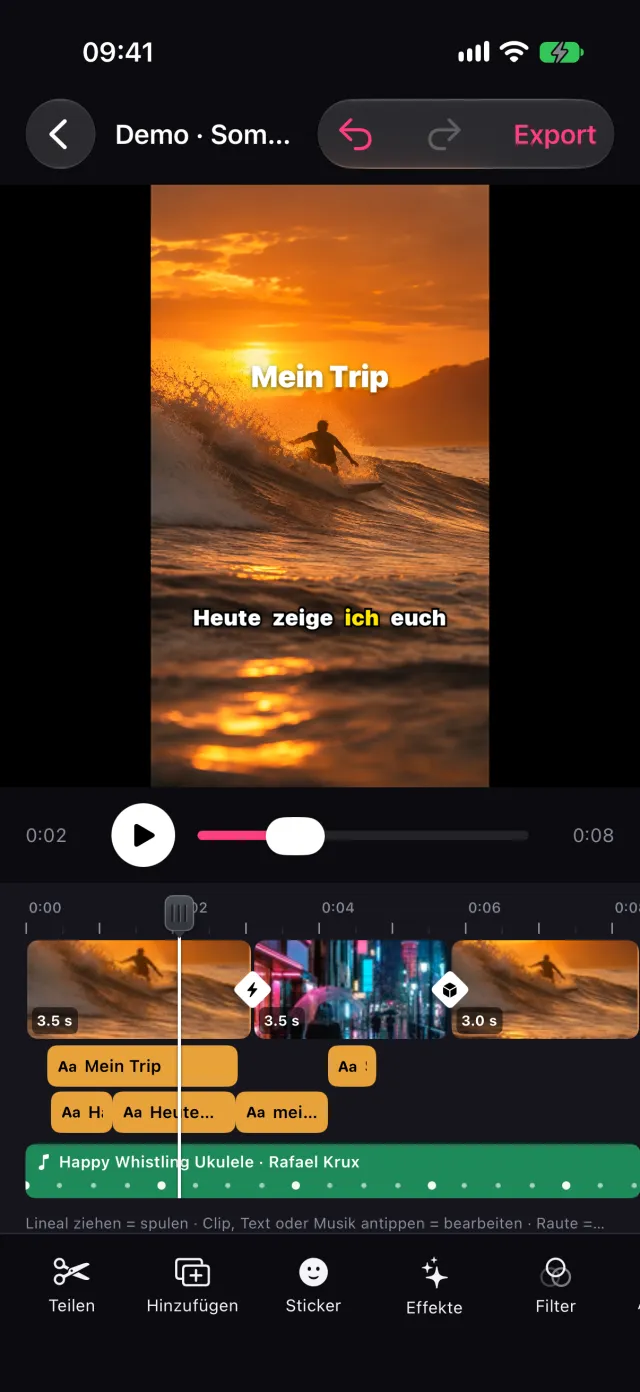
Auto captions
CineClip listens and writes along – right on your iPhone or iPad, no upload. Seven styles from classic to karaoke, every word editable.
Promised
Export in 1080p with no logo on your video – even on the free plan.
No sign-up, no email. Open the app and start editing.
Your videos never leave your iPhone – captions are created there too.
On the free plan, CineClip adds a short “Made with CineClip” card at the end. One tap removes it.
At a glance
Pricing
0 €forever
€39.99a year · 7-day free trial
or €7.99 a month
Try Pro content on your own clip before you buy. Export is never blocked. Cancel anytime in your Apple ID settings. Prices in euros; the App Store shows the price in your currency.
FAQ
Yes. Even on the free plan you export in 1080p with no logo on your video. CineClip adds a short “Made with CineClip” card at the end – remove it with one tap.
CineClip knows the beats of every song in its library and analyzes your own music on the device. Magic places each cut on a beat; how often it cuts depends on the style – Action cuts faster than Chill.
No. No sign-up, no email address. Open the app and start editing.
No. Editing, effects, export and captions all run on your iPhone or iPad. Your videos only leave the device when you share them yourself.
CineClip includes curated free music (CC0 and public domain) you can use in your videos without licensing worries – with artist credits to copy. You can also import your own music and record voiceover.
Yes, with a dedicated iPad layout: wide editor, Split View, Stage Manager, drag and drop and keyboard shortcuts.
€39.99 a year with a 7-day free trial, or €7.99 a month. Pro unlocks all Magic styles, premium intros, the large effect and transition packs, speed curves and 4K, 60 fps and HDR export.
Yes. CineClip includes log profiles and imports your own .cube LUTs.
CineClip is currently in testing and will be available on the App Store for iPhone and iPad soon.

CineClip for iPhone and iPad. Free, no watermark, no login.
Coming soon to the App Store